
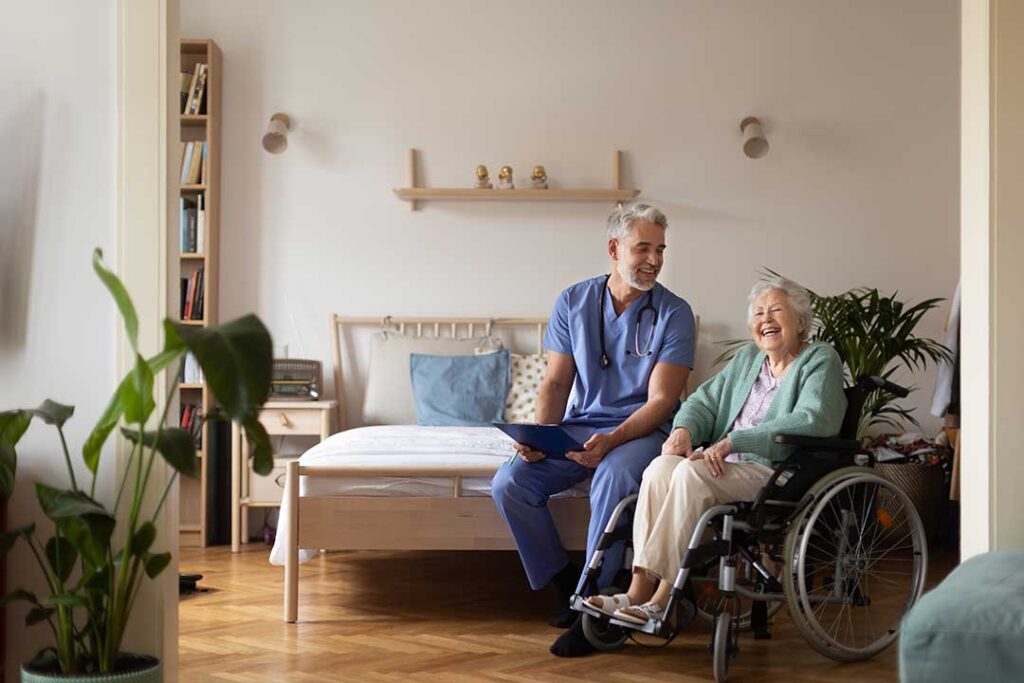
Technology has become a practical part of assisted living, supporting safety, communication, health monitoring, transportation, and everyday independence. For residents and families in Sellersville, PA, the most useful technology is not always the newest device. It is technology that is easy to understand, respects privacy, and helps people live more comfortably without replacing personal care.
How does technology support daily life in assisted living?
Technology can help residents manage routines, stay connected, and receive assistance more quickly. Staff may use digital tools behind the scenes, while residents interact with simple devices such as tablets, emergency pendants, medication reminders, or electronic door systems.
Common uses include:
- Personal emergency response devices
- Motion sensors and fall-detection systems
- Electronic medication reminders
- Video calls with family members
- Digital activity calendars
- Accessible transportation and appointment coordination
- Electronic health records used by authorized staff
- Smart lighting, climate controls, and door access
These tools are intended to supplement human support. They should not be treated as a substitute for staff observation, conversation, assistance with personal care, or emergency judgment.
Can technology improve safety?
Yes. Safety technology can help identify urgent situations and reduce response time, especially when a resident is alone in a bedroom, bathroom, or outdoor area. A wearable emergency device may allow someone to request help after a fall, sudden illness, or other concern.
Some systems detect unusual movement patterns. For example, a sensor may alert staff if a resident who usually gets up at a certain time has not left the bedroom, or if a person enters an area that may be unsafe. Bed and chair sensors can sometimes notify staff when a resident stands unexpectedly.
However, these systems are not perfect. A device may produce false alarms, miss an event, lose power, or fail if it is not worn correctly. Residents and families should ask:
- What happens if the device is removed or not charged?
- Who receives an alert, and how quickly?
- Is there a backup process if the system stops working?
- Can the resident cancel a false alarm?
- How is emergency information shared with first responders?
In areas affected by winter storms, power interruptions, or heavy rain, backup batteries and reliable communication procedures deserve particular attention.
How is technology used for medication management?
Medication technology may include electronic reminders, locked dispensers, barcode scanning, and digital medication records. These tools can help staff confirm the correct medication, dose, and schedule. They may also document whether a dose was given, refused, or delayed.
Technology cannot determine every medication decision. A resident may have difficulty swallowing, experience a new side effect, or need instructions that are not captured by an automated reminder. Staff still need to observe the resident and communicate concerns to the appropriate healthcare professional.
Families should ask whether medication records can be reviewed, how changes are documented, and what happens when a prescription is changed after a hospital visit. Clear communication is especially important when several providers are involved.
Does assisted living technology help residents stay independent?
It can, particularly when technology is designed around the resident’s abilities rather than imposed as a complicated system. A large-button tablet may help someone make video calls. Voice controls may assist a person with limited hand strength. Automatic lighting can reduce the need to walk through a dark room at night.
Technology may also support independence through:
- Digital reminders for meals, activities, and appointments
- Hearing assistance and captioned video calls
- Electronic calendars with large text
- Simple navigation tools within a residence
- Remote access to educational, religious, or recreational programs
- Adaptive devices for reading, music, or communication
Independence does not mean doing everything alone. A useful device gives a resident more control while keeping help available when needed.
How can families use technology to stay connected?
Video calls, secure messaging, shared calendars, and digital photo albums can make regular contact easier when family members cannot visit in person. This may be helpful for relatives managing work, transportation, or seasonal travel.
The quality of the connection matters more than the sophistication of the device. A tablet with a large screen and a stable stand may be more practical than a small phone. Written instructions, saved passwords, and a consistent call routine can reduce frustration.
Families should also consider whether a resident wants frequent video calls. Technology should support meaningful contact, not create pressure to be constantly available. Some residents may prefer brief calls, recorded messages, photographs, or traditional telephone conversations.
What privacy concerns should residents understand?

Assisted living technology may collect information about movement, medication use, health conditions, location, or communication. Residents and families have a reasonable interest in knowing what is collected, why it is collected, who can see it, and how long it is retained.
Before agreeing to a monitoring system, ask for a plain-language explanation of:
- The information being gathered
- Whether cameras or audio are involved
- Which areas are monitored
- Who receives alerts
- How records are protected
- Whether information is shared outside the residence
- How consent can be changed or withdrawn
Privacy expectations may differ between a private room, shared space, bathroom, hallway, and outdoor area. A system intended for safety should be limited to what is reasonably necessary for that purpose.
What should families ask about technology before a move?
Technology should be discussed as part of a broader care conversation. A resident’s comfort level, vision, hearing, memory, mobility, and ability to manage passwords or charging schedules all affect whether a device will be useful.
Helpful questions include:
- Is technology optional or required?
- Who pays for equipment, replacement parts, or internet access?
- Is training provided to residents?
- Are family members notified when an alert occurs?
- What is the plan during power or internet outages?
- Can devices be personalized for hearing, vision, or mobility needs?
- How does staff respond when technology conflicts with what a resident reports?
- Are there alternatives for residents who do not use smartphones or computers?
A device should be evaluated by its real-world usefulness, not by its technical features. If a resident cannot operate it comfortably, the system may increase dependence instead of reducing it.
What technology limitations are easy to overlook?
Technology can create a false sense of security. A fall detector may not identify every fall. A medication reminder cannot ensure that a dose was taken correctly. A video call cannot replace physical presence when someone is ill, distressed, or confused.
Residents may also experience technology fatigue, especially if they are expected to use several devices with different chargers, alerts, passwords, or instructions. Hearing aids, emergency pendants, tablets, televisions, and medical equipment can become difficult to manage together.
The most effective approach is usually simple: use only the tools that solve a specific problem, provide clear instruction, and review whether the technology continues to help. Resident preferences should remain central, including the right to ask questions, decline nonessential monitoring, or request a less complicated alternative.
For households considering assisted living in Sellersville, technology is best understood as one part of the care environment. Good systems combine reliable equipment with attentive staff, clear policies, human communication, and practical backup plans.
